Web UI Usage
The Nebula Commander web UI is a React dashboard that talks to the backend API. You use it to manage networks, nodes, certificates, and users. Most list pages — Networks, Nodes, Groups, Users, and the Home dashboard — use the same square-card grid layout, so once one feels familiar the rest do too.
| Light | Dark |
|---|---|
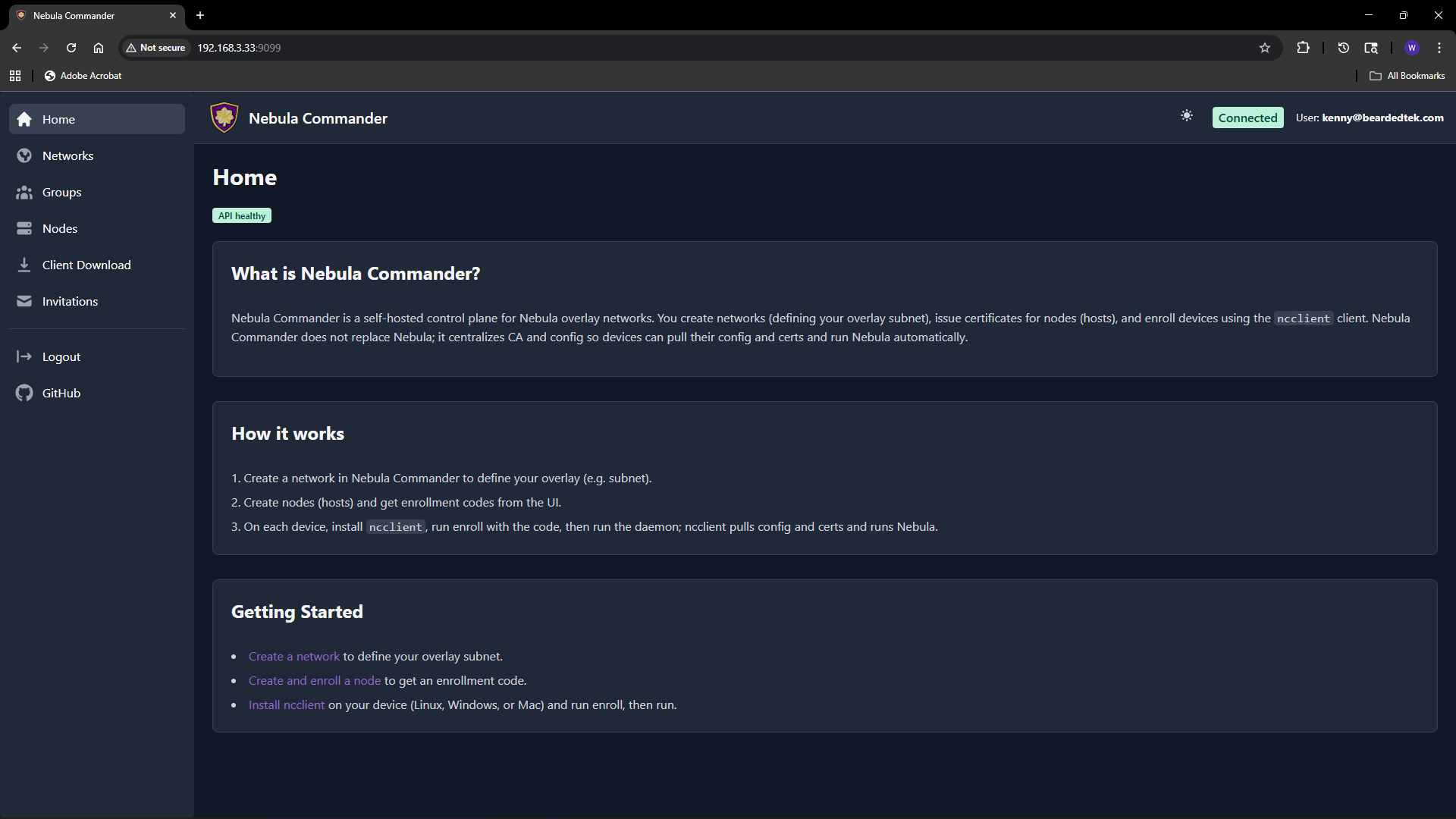 | 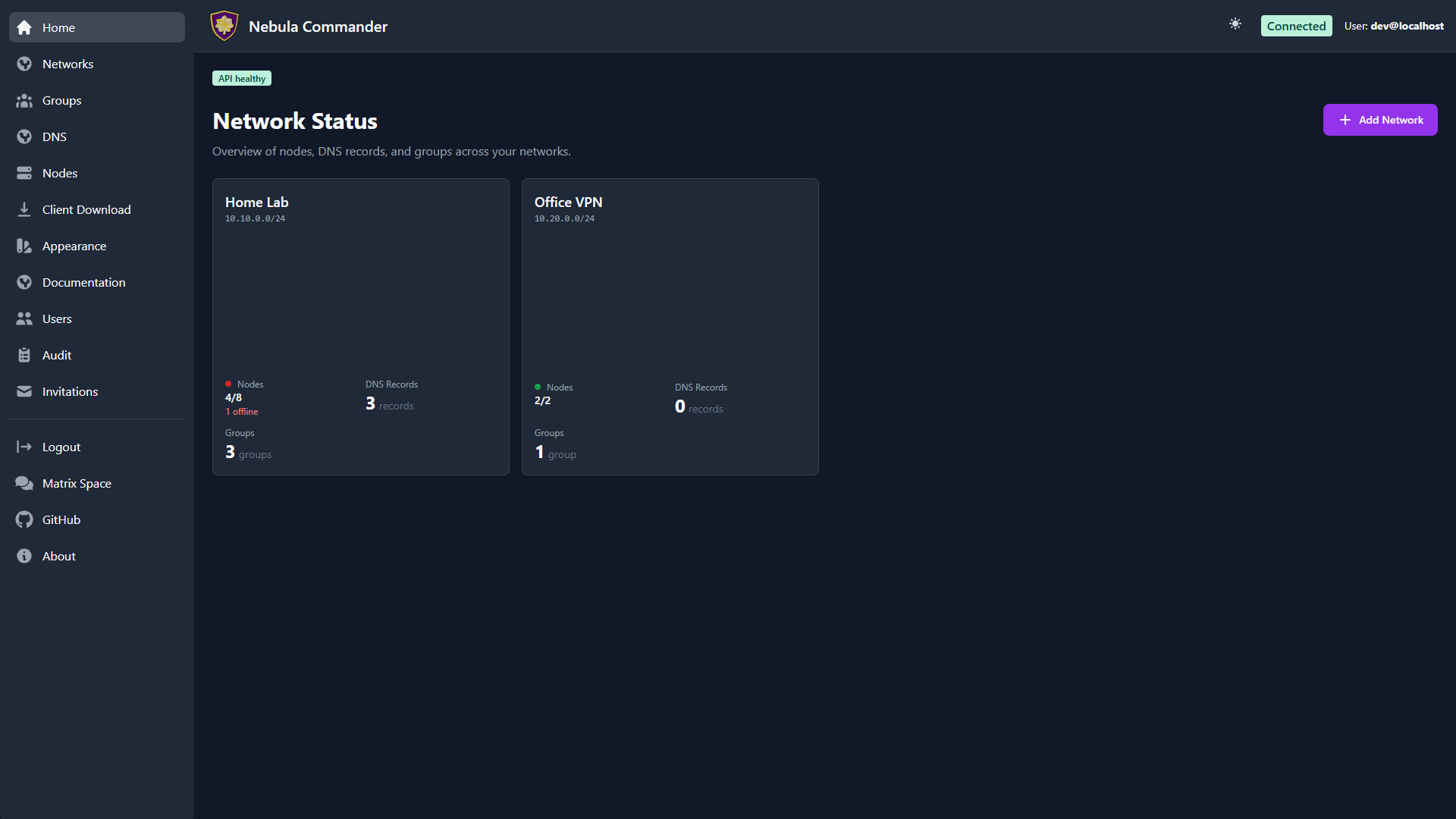 |
Logging in
- With OIDC – When OIDC is configured (OIDC), open the app URL and you are redirected to the provider (e.g. Keycloak). After login, you are sent back to the UI with a session.
- Without OIDC (development) – When the backend has
DEBUG=trueand OIDC is not configured, the backend exposes a dev-token endpoint. The UI can log you in without a real IdP. Do not enable this in production.
Home
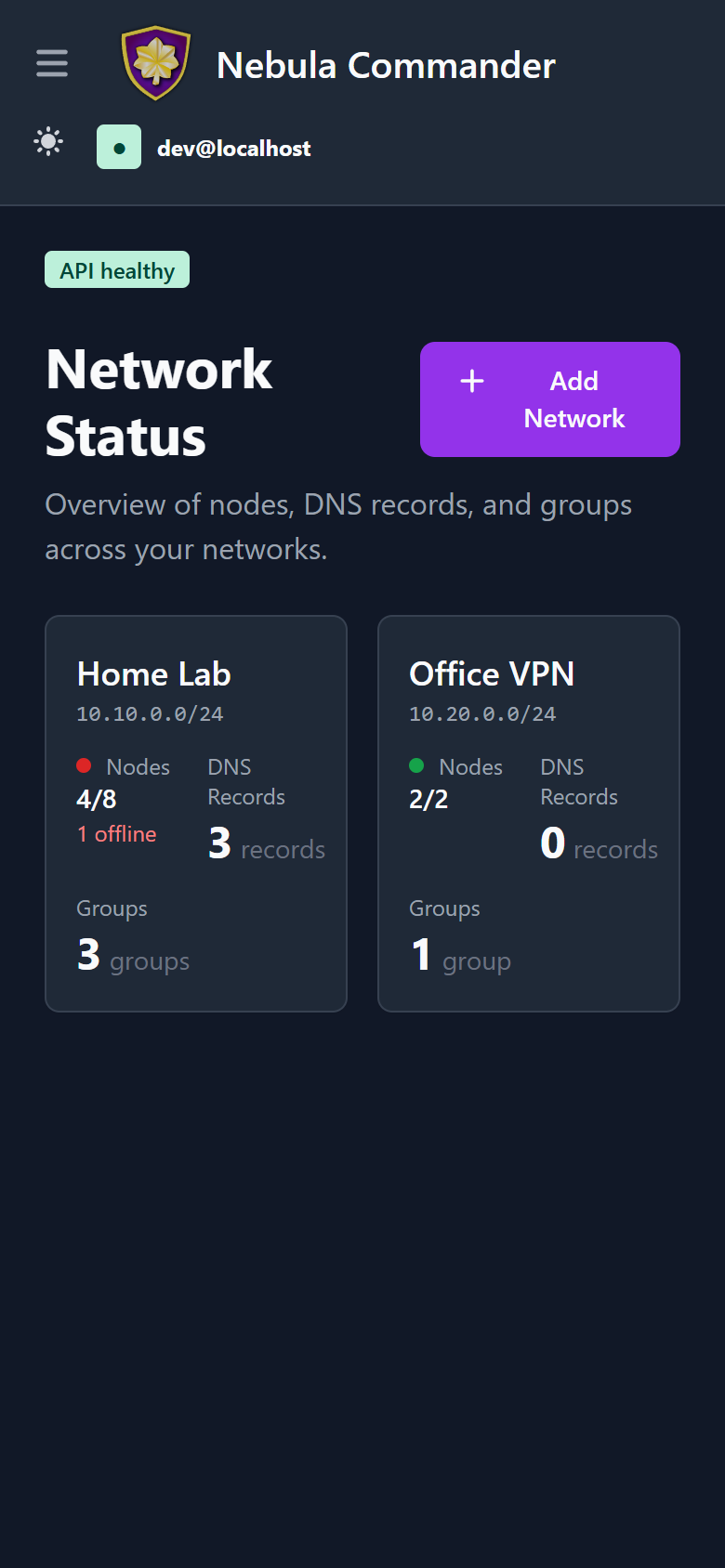
The Home dashboard is the first thing you see after logging in. Before you’ve created a network and enrolled a node, it shows a getting-started walkthrough; after that, it becomes a card-grid overview of every network you can access — the same layout as the Networks page, so it doubles as a quick jumping-off point.
Main flows
- Networks – Create and manage Nebula networks. As a network owner you control nodes, IP allocation, and firewall groups.
- Groups – Define security groups and inbound firewall rules per group.
- DNS – Configure split-horizon DNS per network (domain and hostname aliases). Used by ncclient with
--accept-dnsand by the Docker lighthouse client. - Nodes – Add nodes to networks, assign IPs, create or sign certificates, generate enrollment codes for ncclient, and configure subnet routers and exit nodes.
- Client Download – Download ncclient (CLI, Linux
.deb/.rpm/Flatpak, Windows app/MSI) served from this server. - Invitations – Invite users to networks with roles and permissions (when OIDC is enabled).
- Users – System admins manage every user account and their system role.
- Backup & export – System admins download an encrypted copy of the whole instance, or import one to move servers.
- Appearance – Customize your own color theme, light and dark mode.
Certificates are created or signed from the Nodes page (Create or Sign flow). For Sign flow, the server does not have the private key; place host.key on the device (e.g. in the ncclient output directory).
Responsive / mobile
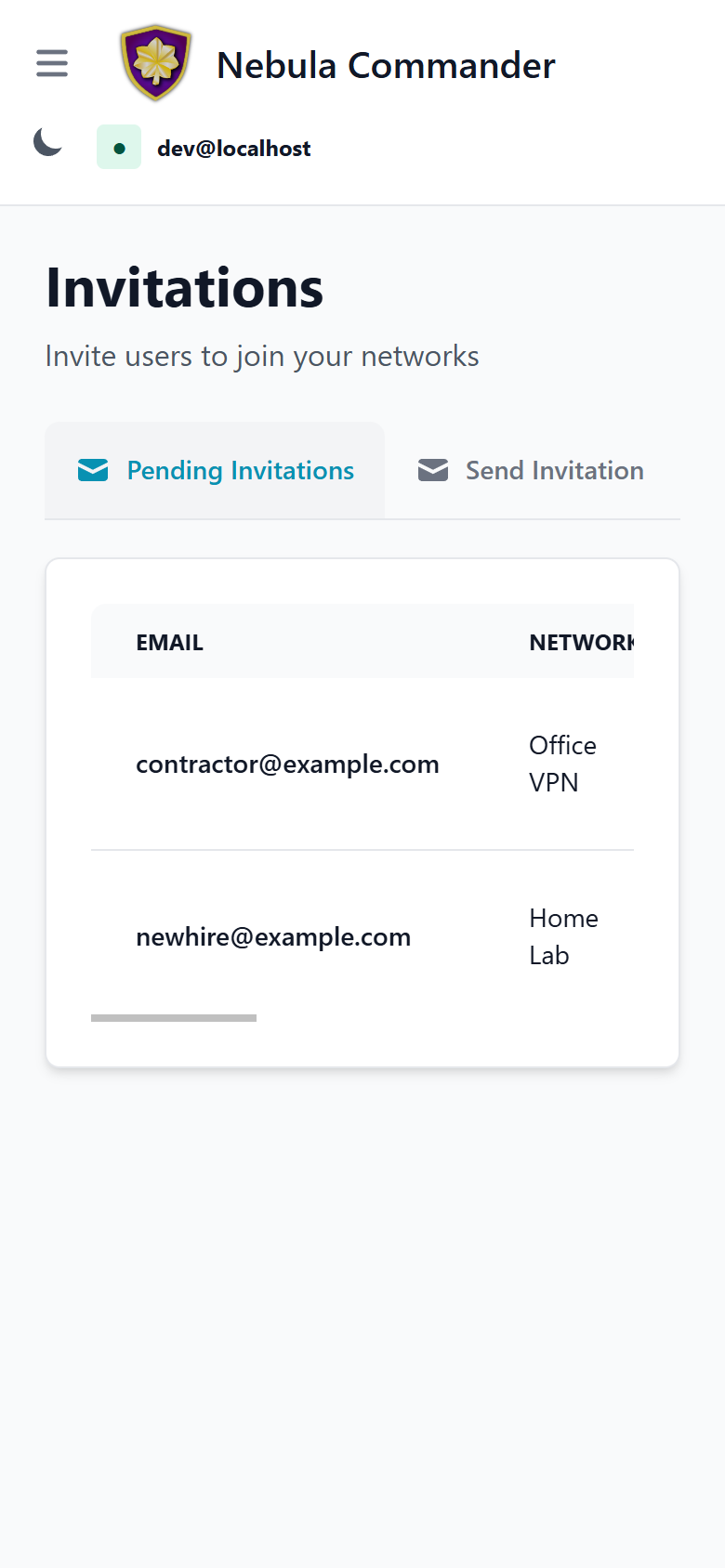
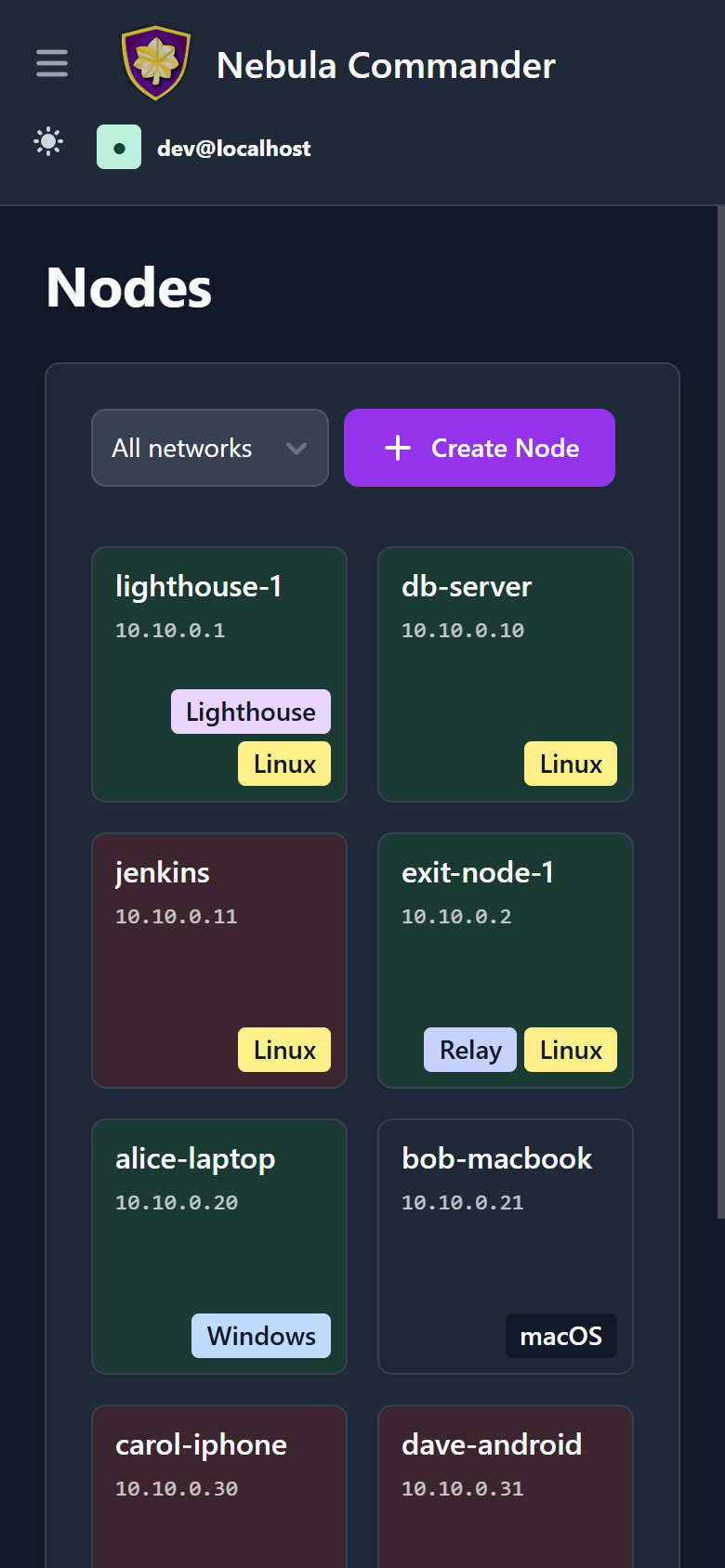
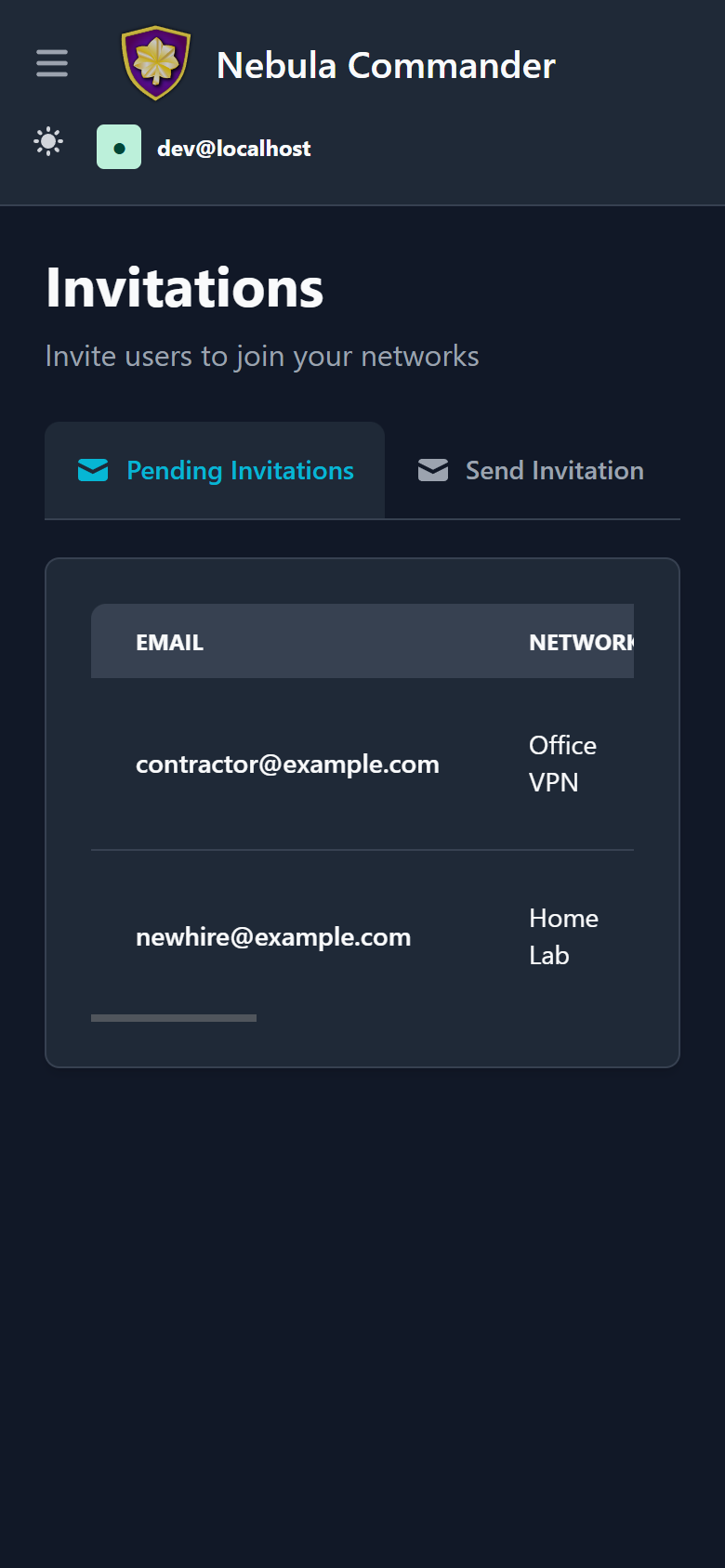
The whole web UI is responsive - the same React app adapts down to phone-width screens rather than being a separate mobile build. The sidebar collapses to a hamburger menu, card grids reflow to fewer columns, and wide tables (like Invitations) scroll horizontally within their own container instead of the whole page:
| Home | Nodes | Invitations |
|---|---|---|
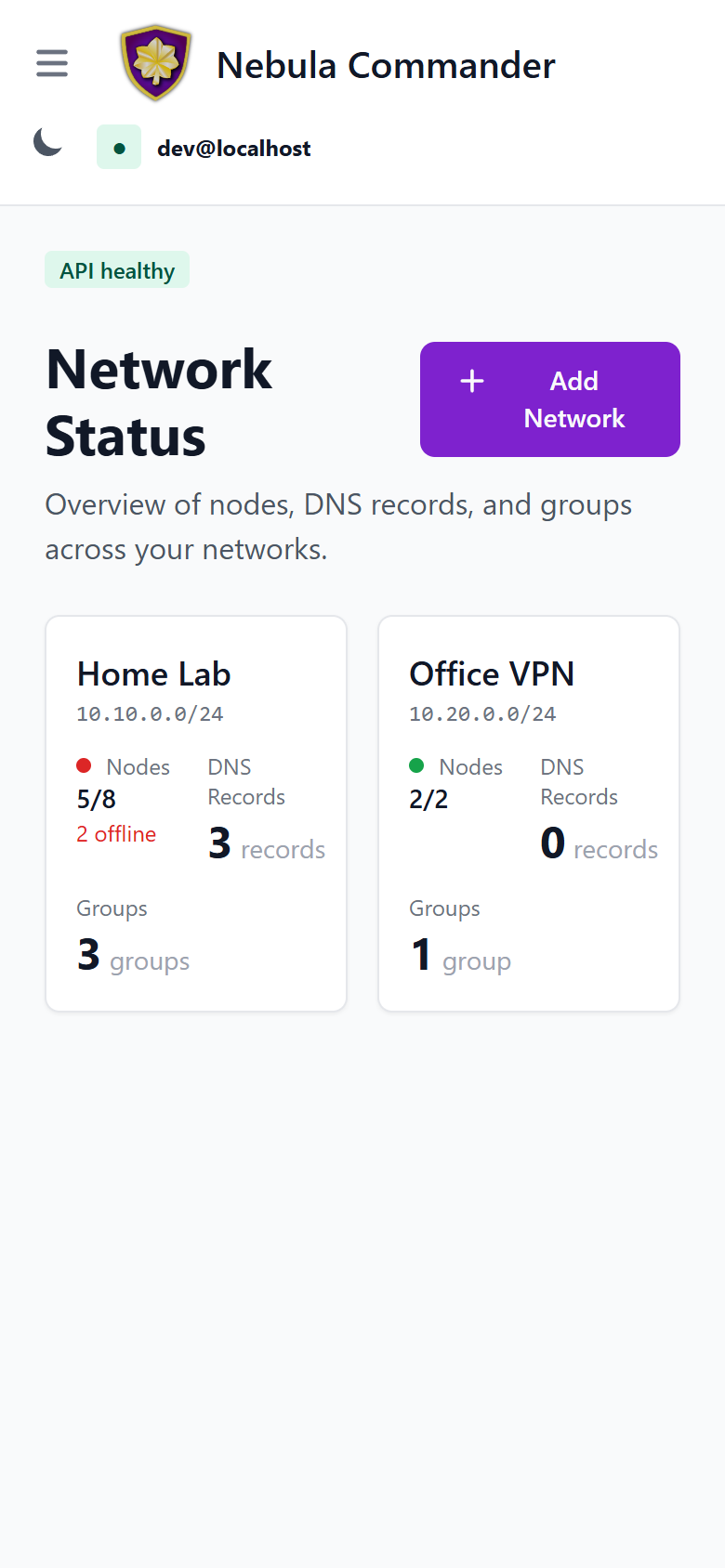 | 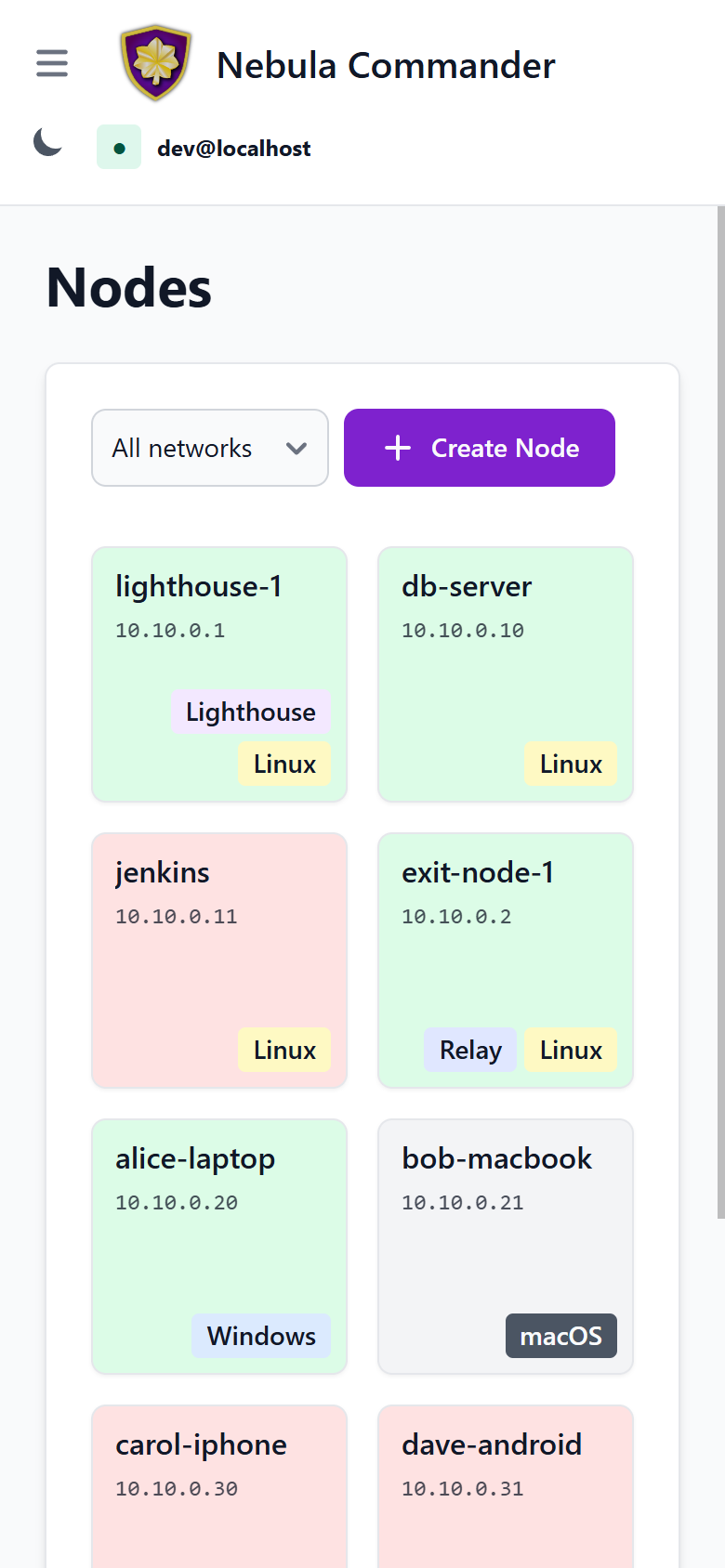 |  |
Dark mode works the same way on mobile:
| Home | Nodes | Invitations |
|---|---|---|
 |  |  |
Access control
Access is role-based: system-admin, network-owner, and user. Permissions include network-level and node-level access, plus access grants for temporary elevated admin access. Critical actions (e.g. delete network, node, or user) require reauthentication. Details are in the repository docker/README.
Users
System-admin user management: view accounts, change system roles, and delete users.
Backup & export
Download an encrypted copy of your whole instance, and move it to another server with import.
Appearance
Per-account color theming: customize buttons, status colors, badges, and backgrounds for both light and dark mode, and save your choices as reusable presets.